First, type your trim size, page count and paper, and see the KDP cover size with bleed and spine in one second. Then download a free template, or build a print-ready cover and a formatted interior from your manuscript.
By The Spinewrap team (Product and testing). Last updated .
 bleed 0.125 inspine 0.335 inbarcode 2 x 1.2 in
| Measure | Inches | mm | 300 DPI |
|---|---|---|---|
| Full cover width (with bleed) | 12.7 in | 322.6 mm | 3810 px |
| Full cover height (with bleed) | 9.25 in | 235 mm | 2775 px |
| Spine width | 0.4504 in | 11.4 mm | 135 px |
| Front and back cover width | 6 in | 152.4 mm | 1800 px |
| Trim height | 9 in | 228.6 mm | 2700 px |
| Bleed on each outside edge | 0.125 in | 3.2 mm | 38 px |
- Spine text is allowed at this page count.
How the KDP cover size tool works
- Pick the trim size and the paper you will choose on KDP.
- Then enter the page count, or upload the manuscript and let the tool count.
- Next, read the cover size, spine and barcode spot, and download the template.
- Finally, build the print-ready cover and interior when you are ready.
First, the calculator works in your browser with the KDP formula: bleed, back, spine, front and bleed. As a result, every change shows at once, with no waiting and no account.
Next, the files come from our server. It draws the template, lays out the cover and sets every line of the interior, so the sizes match KDP to the thousandth of an inch. Also, it keeps nothing: your manuscript lives in memory for one run only.
From one KDP cover size to three real files
In fact, every file below came out of the tool on this page, built for one real book: The Wonderful Wizard of Oz at 6 x 9 in.

01Free template
Bleed, spine and safe areas at print size
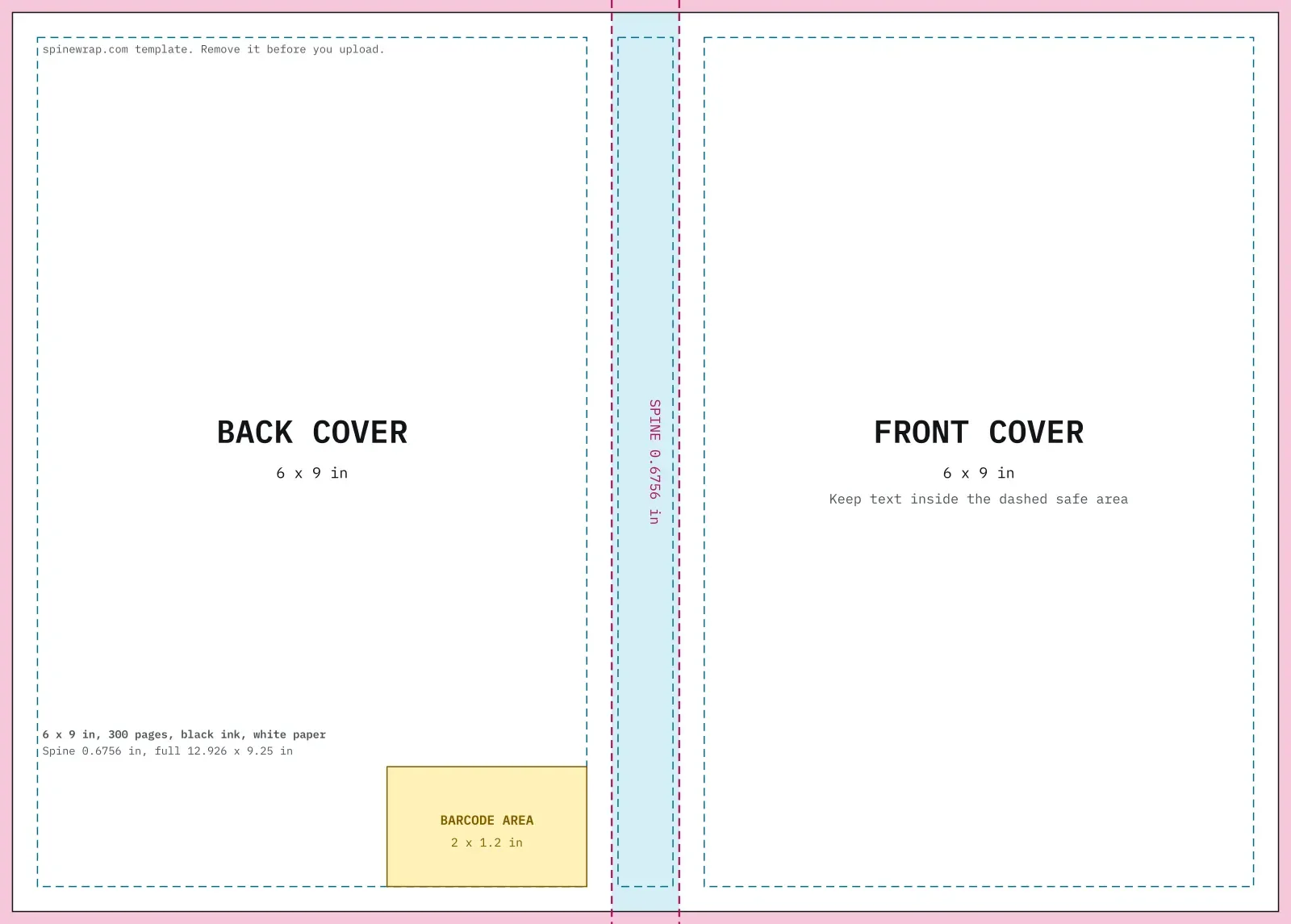
A 6 x 9 template for 300 pages on white paper: 12.926 x 9.25 in, as a vector PDF and a 300 DPI PNG for any design app.
Learn more about Bleed, spine and safe areas at print size

02Print-ready cover
Title, spine and blurb placed for you
Next, the full wrap cover for the Oz book at 134 pages on cream paper. The title fits the front, the spine text turns sideways, and the barcode box stays clear.
Learn more about Title, spine and blurb placed for you

03Formatted interior
Chapters, running heads and page numbers
Finally, the same book as a 134 page print PDF with KDP margins, a contents page and chapters that open on the right. Also, the EPUB comes from the same run.
Learn more about Chapters, running heads and page numbers
Your book is next
A real book, laid out in under a second
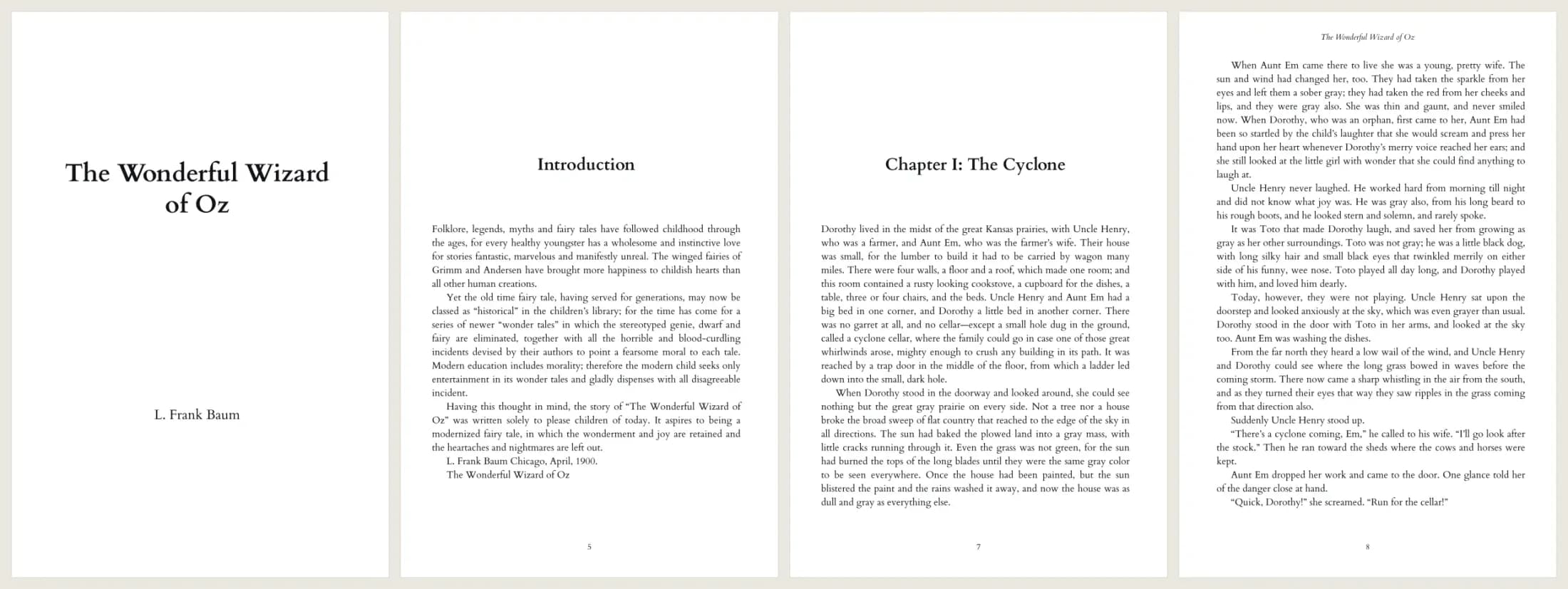
To test it, we ran the full text of The Wonderful Wizard of Oz from Project Gutenberg through the interior tool. As a result, it found the introduction and all 24 chapters, set them in Cardo at 11 pt, and added a contents page, running heads and page numbers. Then we used its page count for the cover.
Open the interior PDF, the cover PDF or the 6 x 9 template to check every page yourself.
- Pages
- 134
- Words
- 39,297
- Chapters
- 25
- Build time
- 0.8 s
Guides for every KDP cover size question
Each guide explains one part of the job, and each one carries the same live tool. So start with the cover, and then format the inside.
Free math, paid files
The calculator and the templates are always free. However, clean print files cost one credit each, and a proof of every file is free a few times a day. See the pricing page.
- Cover calculator, always
- Free cover templates
- 3 proof files a day
- Previews of every run
- Clean cover and interior PDFs
- EPUB with every interior
- Credits never expire
- About $0.16 per file
- PDF and EPUB, no proof mark
- Priority support
- Cancel anytime
- PDF and EPUB, no proof mark
- Priority support
- For series and low-content catalogs
- Priority queue
- Everything in Starter
1 credit = 1 clean print file: a cover PDF, or an interior PDF plus its EPUB. The calculator and templates are always free. Pack credits never expire. Payments go through Lemon Squeezy, the merchant of record.
What the KDP cover size tool does not do
For one, it does not write your book or draw your cover art. Instead, it gets the KDP cover size and the layout right, and it places your own text and image.
Also, it covers KDP paperbacks only. Hardcover cases use a different wrap formula, and interiors with many images or tables still need a full layout app.
KDP cover size FAQ
How do I work out the KDP cover size?
First, add 0.125 in of bleed, the back width, the spine, the front width and 0.125 in of bleed for the width. Then, for the height, add 0.25 in to the trim height. Finally, the spine equals the page count times the KDP paper factor.
Is the cover calculator free?
Yes. The numbers, the diagram and the template downloads are free with no account. In contrast, clean print-ready covers and interiors use a credit.
Do you keep my manuscript?
No. The server reads your file in memory, builds the PDF and then forgets the text. So nothing goes to disk, and we never use it for anything else.
Are you part of Amazon KDP?
No. Spinewrap is an independent tool. However, we follow the published KDP help pages and link to them on every guide.
Measure twice. Upload once.
The cover size and the template are free, with no sign-up. So start with your page count.